Create your account
Sign up for Wuvo, choose your plan and pay — then your dashboard opens.
You need an email address, the name of your business and a card. Every plan includes every feature.
- Open app.wuvo-global.com/signup. If you picked a plan on the pricing page, it's shown at the top, with what it costs after the trial.
- Enter your name, your business name, your email and a password (at least 8 characters), then click Create account.
- Open the link in the confirmation email we send you.
- On Choose your plan, check the plan (the one you picked is already selected — you can switch it, and choose monthly or yearly), then click Continue to payment.
- Enter your card on the payment page. The first month (or year) is charged now.
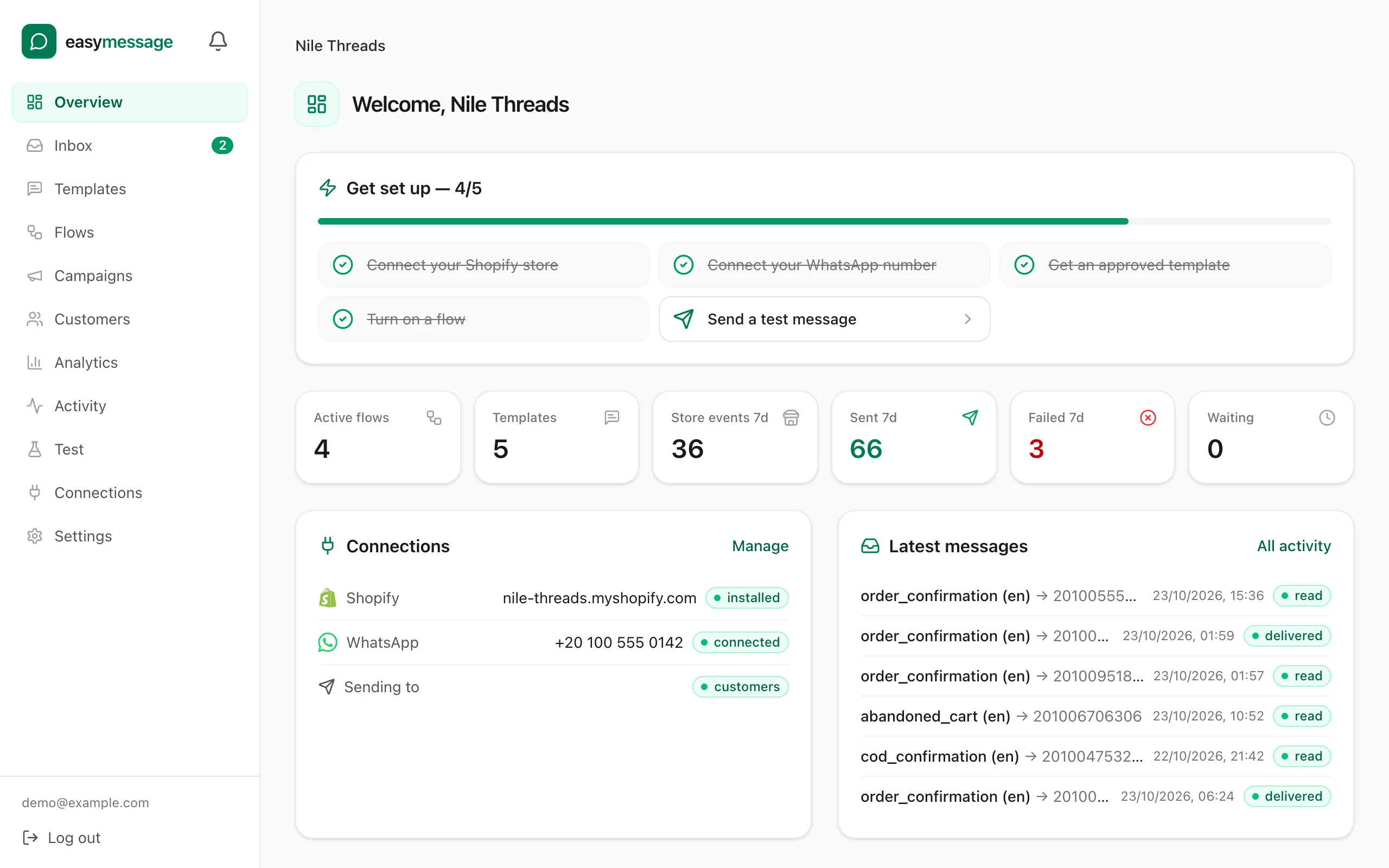
- As soon as the payment is confirmed, you land on the Overview page, where Get set up lists the next steps.
If your card is declined, you're back on Choose your plan with the reason — click Try another card.
What's next
Connect your store so Wuvo can see orders: Connect your Shopify store.
Still stuck? Contact us — tell us what you tried and what you see, and we'll help you finish the setup.